Ruby without Rails
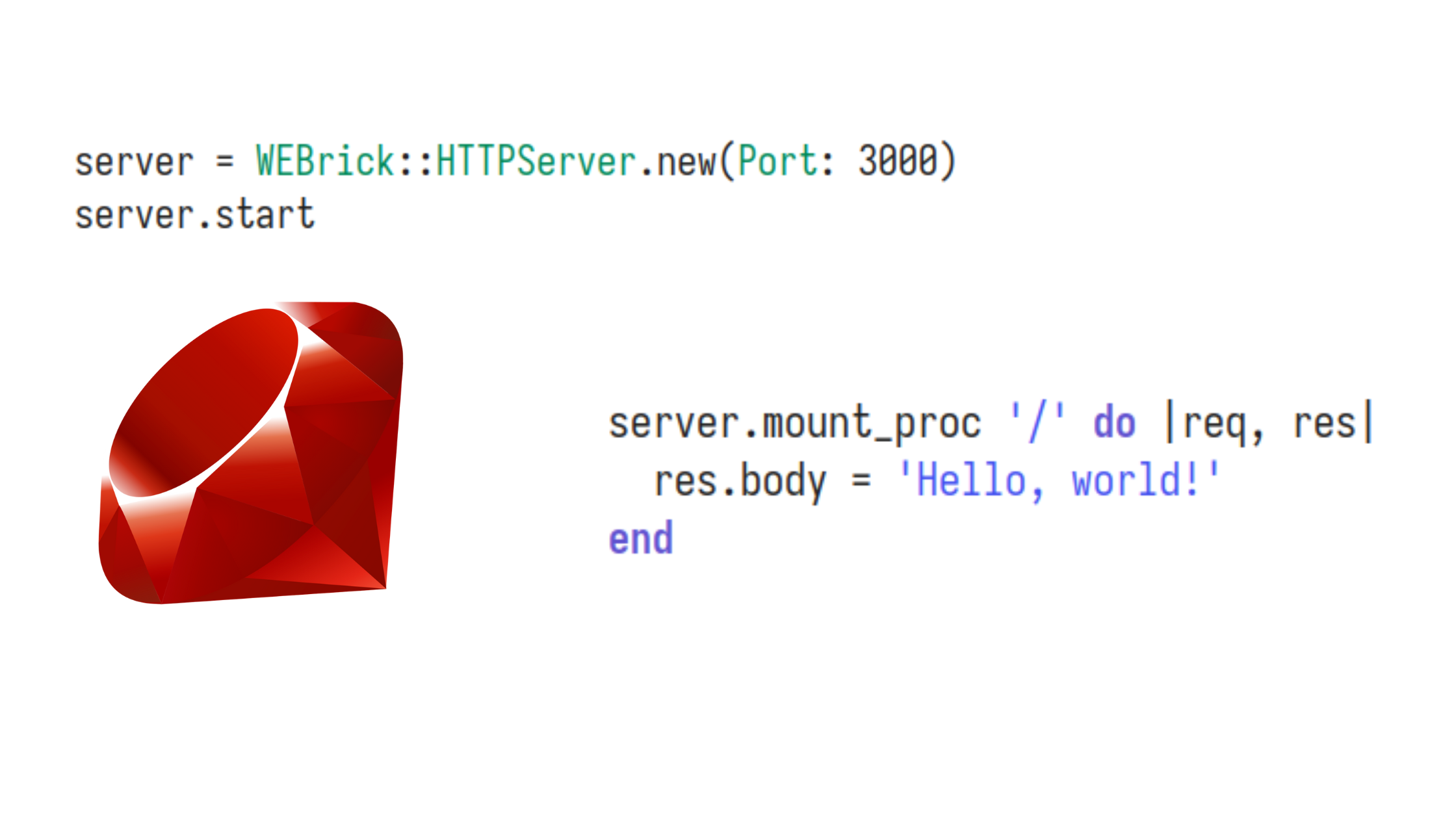
Ruby on Rails is a great web framework that powers awesome websites like Shopify, GitHub, Basecamp, HEY.com, and more.
This blog post is not to say that Rails is bad or anything like that.
I recently got really inspired to give Ruby a real try after watching an interview and some talks by DHH, the creator of Ruby on Rails. In those talks, he shares how much joy he finds in programming with Ruby. I can totally relate to things he says, like “a text-editor-friendly programming language (no IDE required)” and “programming for the sheer joy of programming”, etc.
So, I wanted to give Ruby a real shot and started the “Try Ruby” tutorial on the official Ruby website. Midway through the tutorial, I got curious about what it would take to do some web programming with Ruby. I ended up discovering how to build a simple web server using Ruby. Below is the simplest web server implementation in Ruby, so future me won’t have to ask some AI about this again.
The simplest hello world web-server
require 'webrick'

# Define the server and specify the port
server = WEBrick::HTTPServer.new(Port: 3000)

# Define a main route
server.mount_proc '/' do |req, res|
  res.body = 'Hello, world!'
end

# Ctrl+C to shut down the server cleanly
trap 'INT' do
  server.shutdown
end

# Start the server
server.start
One step further: Using erb templates
require 'webrick'
require 'erb'

server = WEBrick::HTTPServer.new(Port: 3000)

# Define an ERB template
template = <<-HTML
  <html>
    <body>
      <h1>My name is <%= name %>!</h1>
      <p>The current time is: <%= Time.now %></p>
    </body>
  </html>
HTML

server.mount_proc '/' do |req, res|
  # Define variables for the ERB template
  name = "Bmax"

  # Render the ERB template with variables
  renderer = ERB.new(template)
  res.body = renderer.result(binding)

  # Specify content type as HTML
  res.content_type = 'text/html'
end

trap 'INT' do
  server.shutdown
end

server.start
Final step: Using external erb template
# server.rb
require 'webrick'
require 'erb'

server = WEBrick::HTTPServer.new(Port: 3000)

index = File.read('index.html')

server.mount_proc '/' do |req, res|
  name = "Bmax"
  renderer = ERB.new(index)
  res.body = renderer.result(binding)

  res.content_type = 'text/html'
end

trap 'INT' do
  server.shutdown
end

server.start
<!--index.erb-->
<html>
    <body>
      <h1>My name is <%= name %>!</h1>
      <p>The current time is: <%= Time.now %></p>
    </body>
  </html>
Comments
Join the discussionNo comments yet. Be the first to comment.